
Reference

177bde App: Lobby in Your Pocket

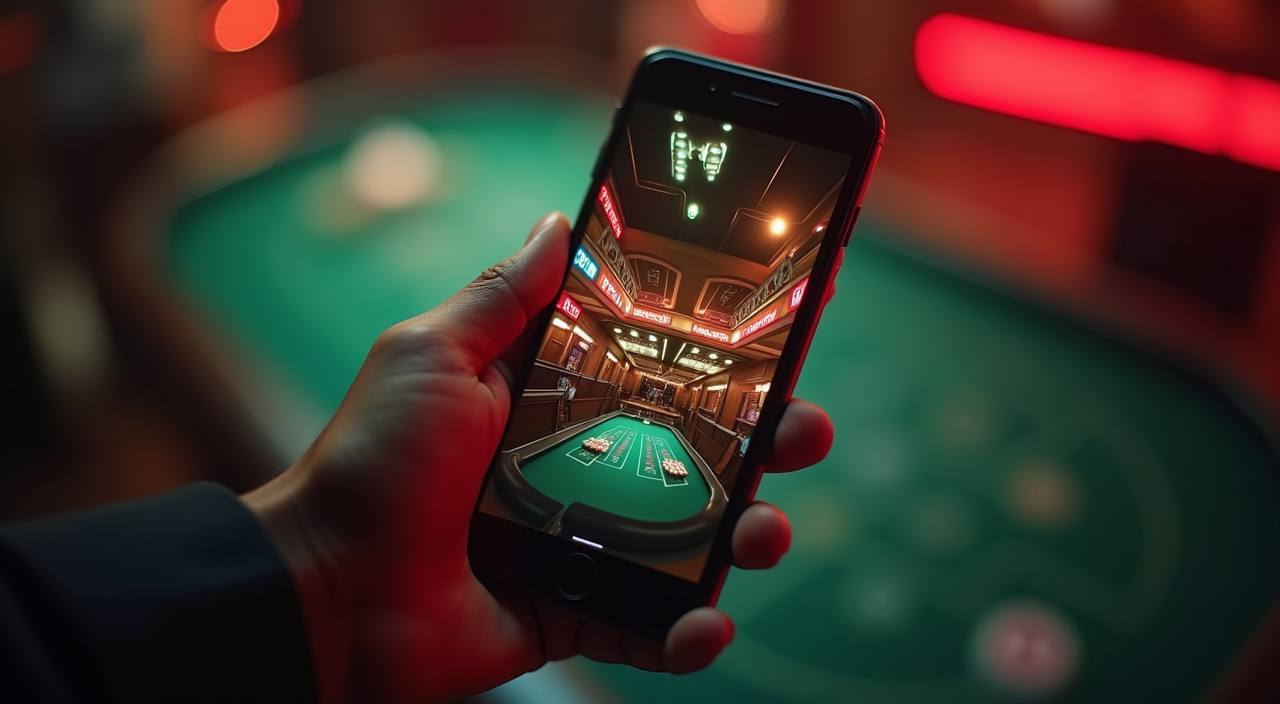
The 177bde lobby runs cleanly in your mobile browser — live casino tables, crash games like Crash Countdown, and slot rooms all load without a dedicated install.

mobile browser accessdevice compatibility checkavailability status shown hereaccount wallet on mobileno forced download
177bde 177bde App: Lobby in Your Pocket
177bde Your Lobby, Any Screen You Pick Up

Your Lobby, Any Screen You Pick Up

Open 177bde on your phone and the lobby adapts — live baccarat tables from Evolution stream cleanly, slot rooms including Gates of Olympus and Slot LightningBolt stay fully playable, and the sportsbook sits one tap away for BPL and international cricket markets. Quick-deposit access means your account wallet is always ready, and push notifications alert you when a table you follow opens

a new round. Biometric login cuts the password step entirely on supported Android and iOS builds. You stay in the game, not hunting through menus.
177bde Mobile Access in 3 Steps

Mobile Access in 3 Steps

No complicated setup needed. The browser path is the same whether you are in Dhaka or anywhere else in Bangladesh — open the current 177bde site address in Chrome or Safari, let the page fully load, then sign in using your account credentials or biometric shortcut if you have already enabled it. The lobby arranges itself for your screen size automatically. If

a native app is currently available for your device, a prompt will appear at the bottom of the screen — tap it to add the shortcut to your home screen. Always access the site through the address you registered with to keep your account secure.

  • Open the Current Site — Type or tap the 177bde address in your mobile browser. Chrome on Android and Safari on iOS both render the full lobby without any plugin.
  • Check Browser Compatibility — If games do not load, confirm your browser is up to date. An outdated WebView on Android is the most common reason live tables stall on first load.
  • Sign In Securely — Enter your credentials or use biometric login if enabled. An OTP may be sent to your registered number as a second verification step depending on your account settings.
DEVICE SUPPORT CHECK

Which Devices and Browsers Work

Before you assume something is broken, run through this checklist. Most access issues on mobile come from an outdated browser or a restrictive data connection rather than the platform itself. If you have gone through all five points and the lobby still does not load, reach out to our account support team directly.

Method Payout time Speed
Android Browser Chrome version 90 and above handles live streaming and crash game animations without frame drops. Older WebView versions can cause blank game screens. Fast
iOS Browser Safari on iOS 14 and above is the reliable path. Third-party browsers on iPhone sometimes block the audio feed in live casino rooms. Fast
Screen Layout The lobby is designed for screens from 5 inches upward. Landscape mode is recommended for live baccarat and Football Punter Hub on smaller phones. Medium
Account Requirements Full mobile access requires a verified account. Identity and wallet verification — linking your bKash, Nagad or Rocket number — must be complete before withdrawals clear. Medium
Check App Availability A native app build may or may not be available in your region at any given time. Check the current 177bde site for an install prompt or a direct APK link where applicable. Slow
APP FEATURE SNAPSHOT

Four Things the Mobile Build Does Well

These are the features we hear about most from people who switch from desktop to the 177bde mobile experience. Each one is designed around the way Bangladesh players actually use their phones — fast, frequent sessions, not hour-long desktop sit-downs.

Biometric Login Fingerprint or face unlock gets you into your account on supported devices without typing a password every session. Works on Android and iOS where the browser permits it.
Push Notifications Opt-in alerts tell you when a sportsbook market you track — like a BPL match — goes live or when a slot feature round is triggered on a table you saved.
Dark Mode Display The lobby switches to a dark layout automatically in low-light conditions, reducing eye strain during late-night sessions on live casino tables like Dragon Tiger.
Offline Lobby Preview Even on a weak connection, the lobby shell and game thumbnails load from cache so you can browse and queue a game before your signal improves.

Common Questions About 177bde Mobile

These are the questions we get most often from people setting up 177bde on their phones for the first time. If yours is not here, our account support team handles mobile-specific issues directly.

Availability of a native app depends on your region and current store policies. Check the 177bde site directly for an install prompt or download link where one is offered.

Yes. The full lobby runs in a mobile browser. Open the site in Chrome or Safari, sign in, and you can access live tables, slots and the sportsbook straight away.

Go to your account security settings after signing in on mobile. If your device supports it, you will see an option to link fingerprint or face ID to your login flow.

The most common cause is an outdated Chrome or WebView version. Update both through the Play Store and reload the page. A slow mobile data connection can also interrupt live streams.

No. Your bKash, Nagad or Rocket wallet stays linked to your account whether you access it on desktop or mobile. Deposits and withdrawals follow the same process on both.

If you opt in to notifications, we send alerts when markets you follow — including BPL and international cricket — go live. You can manage notification preferences inside your account settings.
Reference

177bde App

Service availability depends on eligible regions and local law. Users should check local rules before opening an account.

Access may be available only where local law permits.